
All Cursor Packs
Browse our full collection of custom cursors. Find your next favorite style and install it for free.
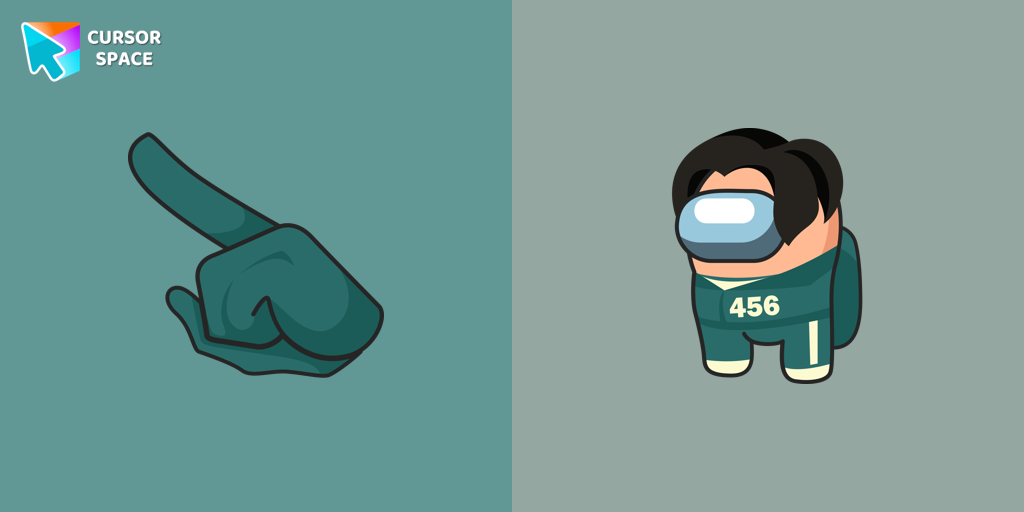 Among Us Squid Game Gi-Hun Character cursorExperience the excitement of custom cursor for Google Chrome with the Among Us Squid Game Gi-Hun Character cursor. A fun blend of two worlds!
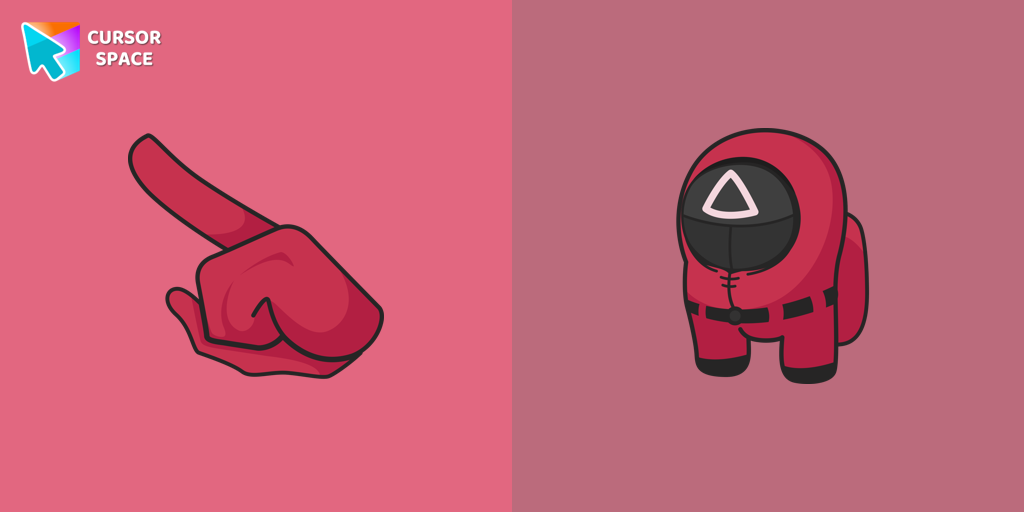 Among Us Squid Game Soldier Character cursorGet the custom cursor for Google Chrome featuring the Among Us Squid Game Soldier. A perfect blend of two iconic worlds for your browsing experience
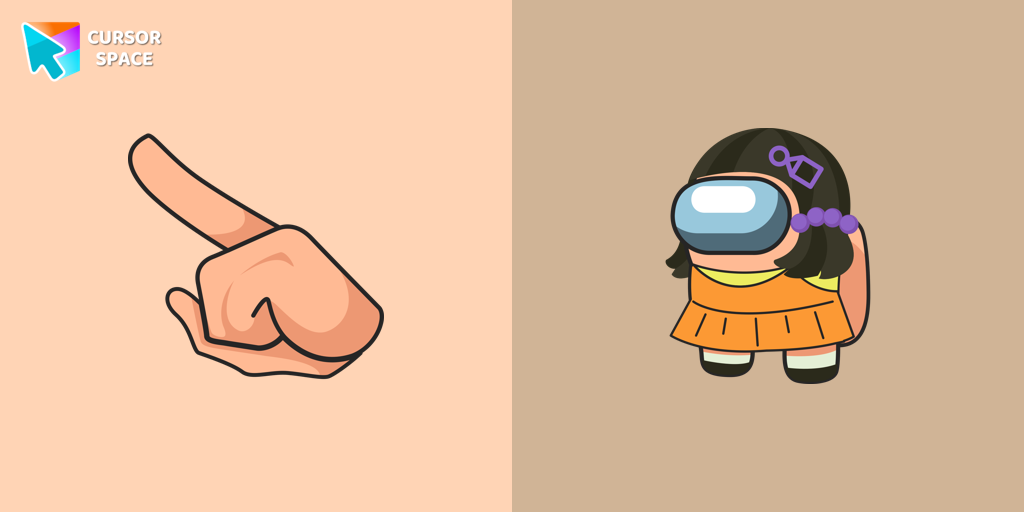 Among Us Squid Game Killer Doll Character cursorBring the fun of both Among Us and Squid Game to your screen with the custom cursor for Google Chrome. Download the Among Us Squid Game Killer Doll Character now!
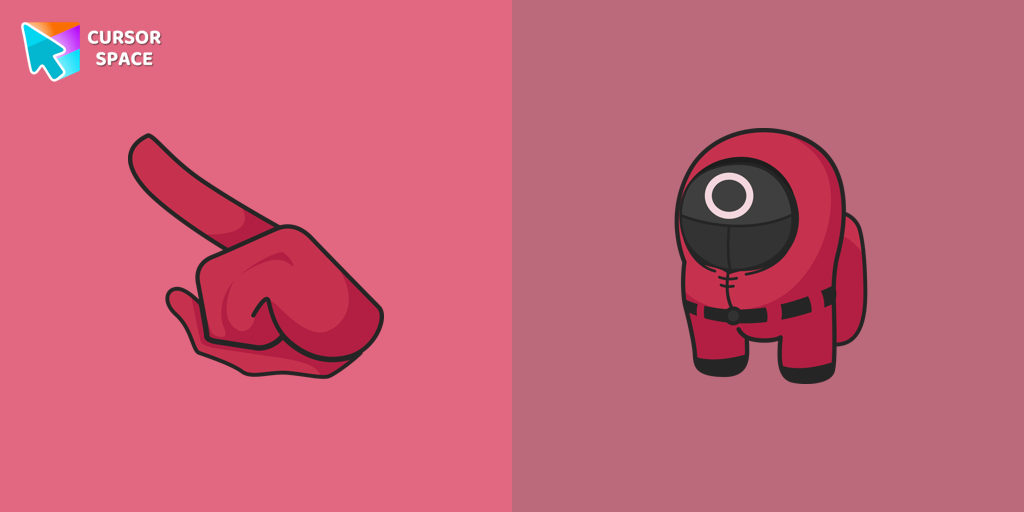 Among Us Squid Game Worker Character cursorAdd an Extra Layer of Immersion to your Among Us Gameplay with the Squid Game Worker Character Cursor
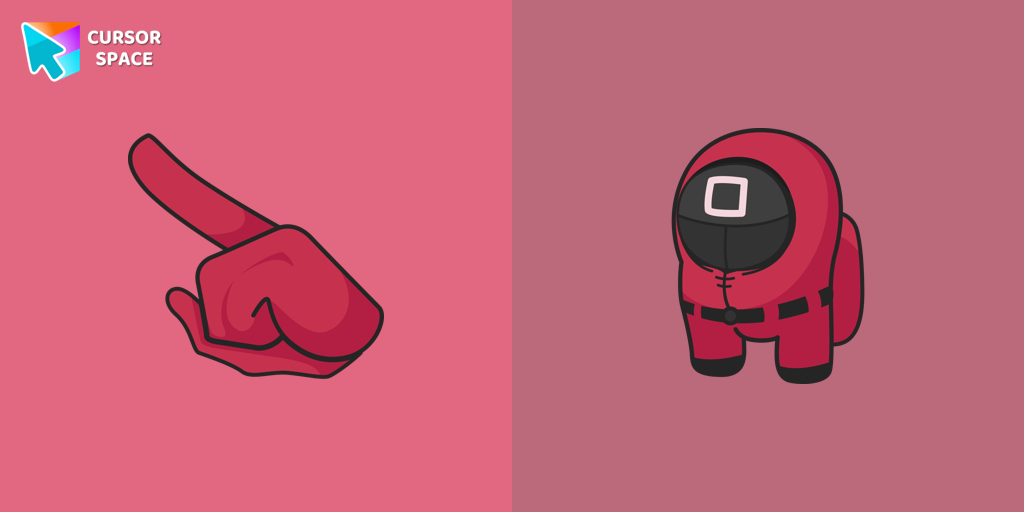 Among Us Squid Game Officer Character cursorExperience the Thrills of Squid Game with the Among Us Officer Character Cursor
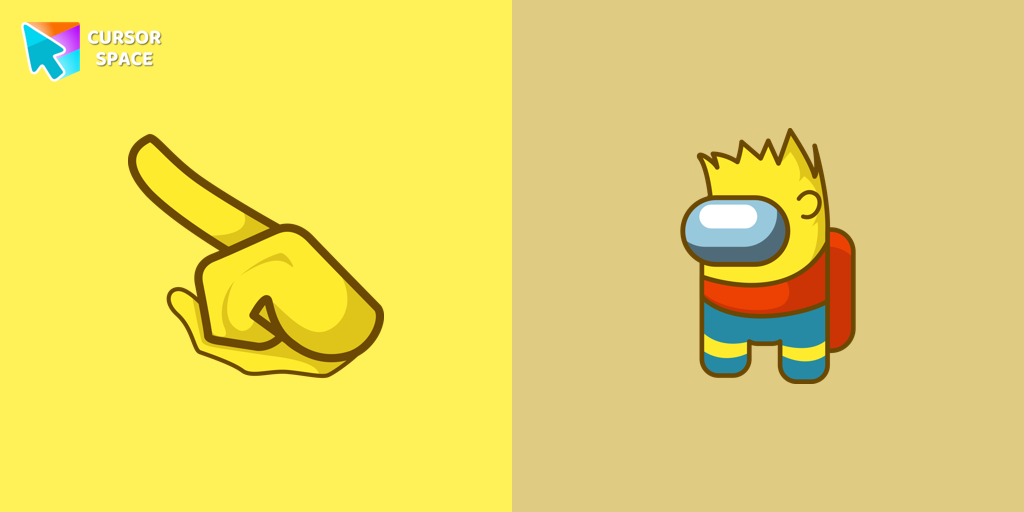 Among Us Bart Simpson Character cursorEnhance Your Among Us Gaming Experience with the Bart Simpson Character Cursor
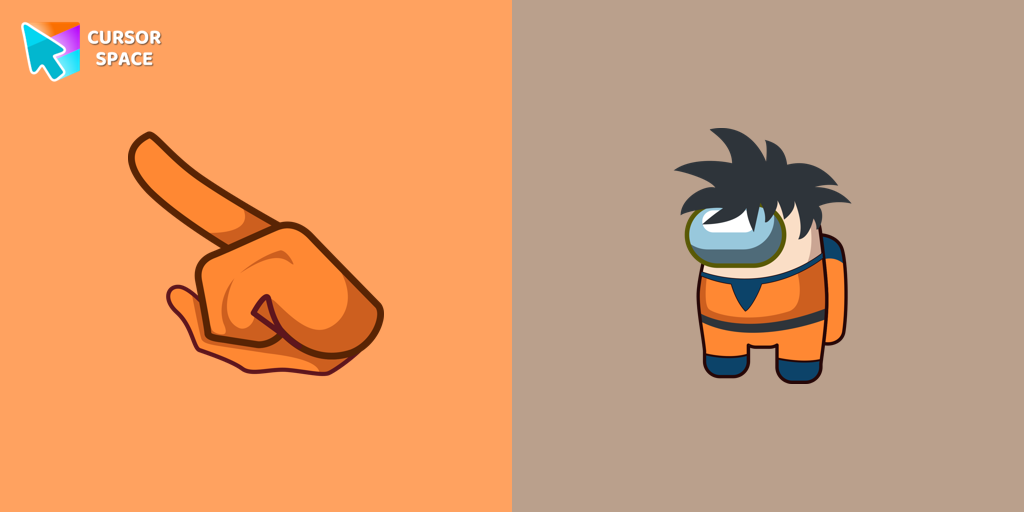 Among Us Son Goku Character cursorEnter the World of Dragon Ball with the Among Us Son Goku Character Cursor
 Among Us Clone Trooper Dogma Character cursorJoin the Galactic Battle with the Among Us Clone Trooper Dogma Character Cursor
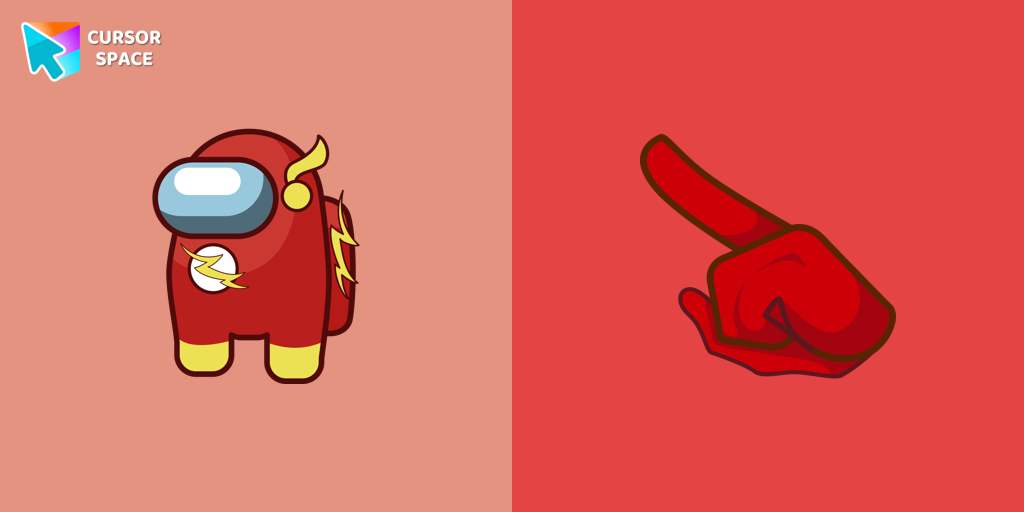 Among Us The Flash Character cursorSpeed into Action with the Among Us Flash Character Cursor
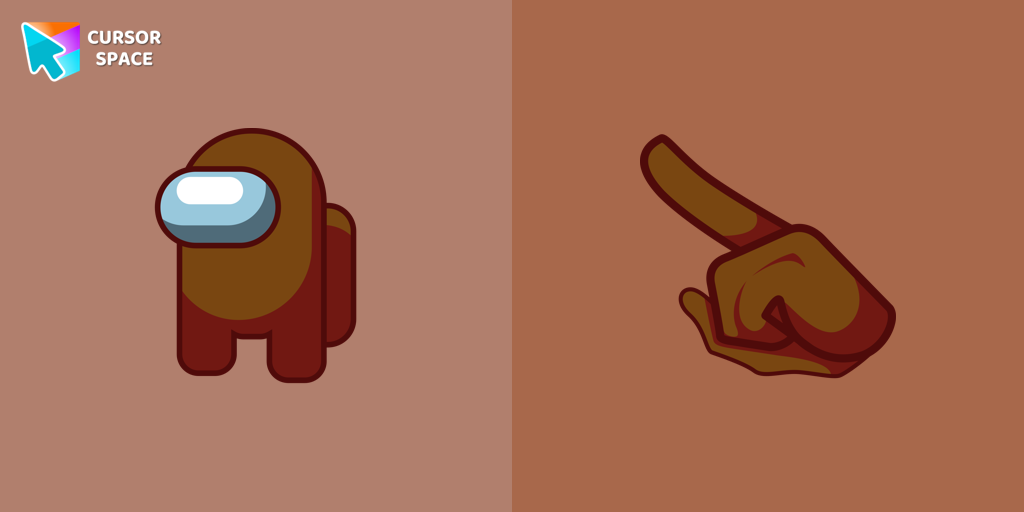 Among Us Brown Character cursorNavigate the Mysterious World of Among Us with the Brown Character Cursor
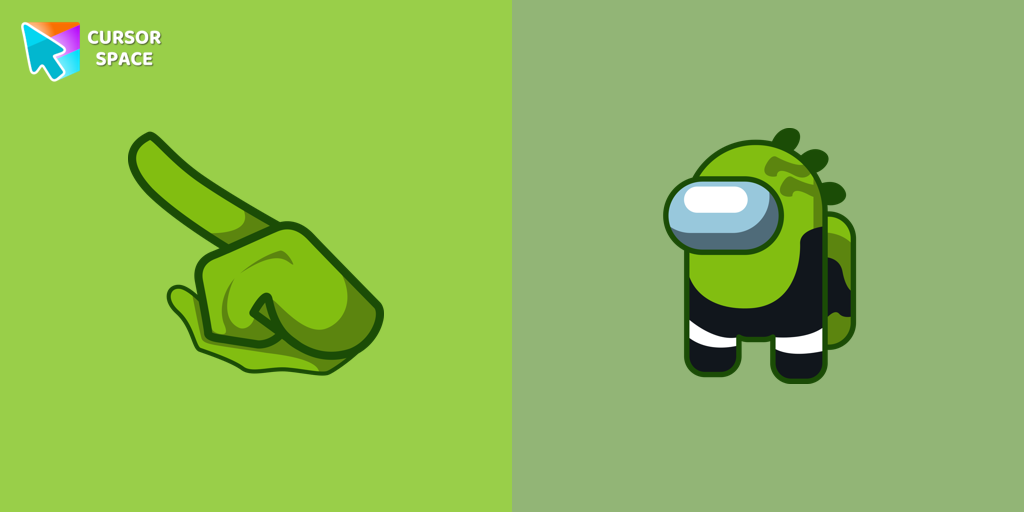 Among Us Reptile Character cursorUnleash Your Inner Imposer with the Among Us Reptile Character Cursor
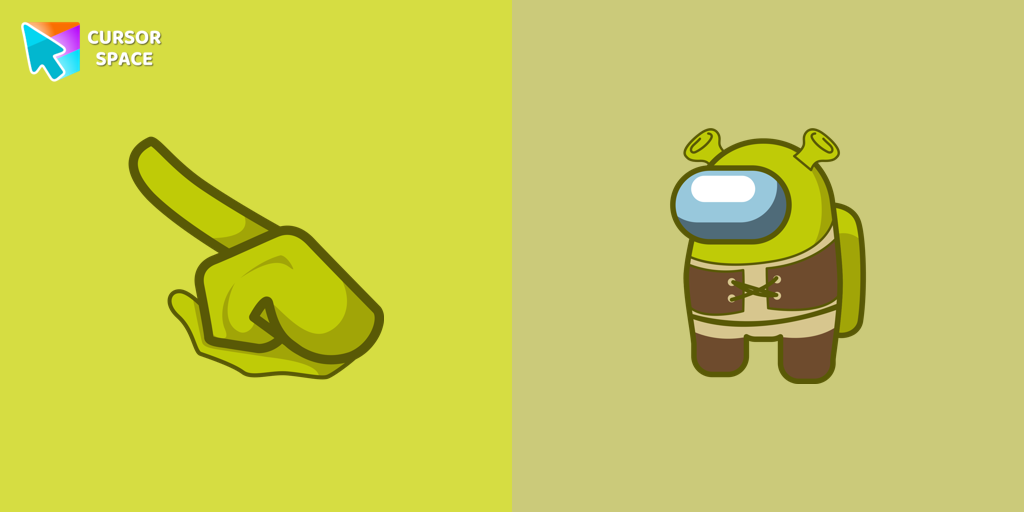 Among Us Shrek Character cursorGet the Among Us Shrek character custom cursor for Google Chrome easily. Download and install the Shrek custom cursor for a fun, unique browsing experience.
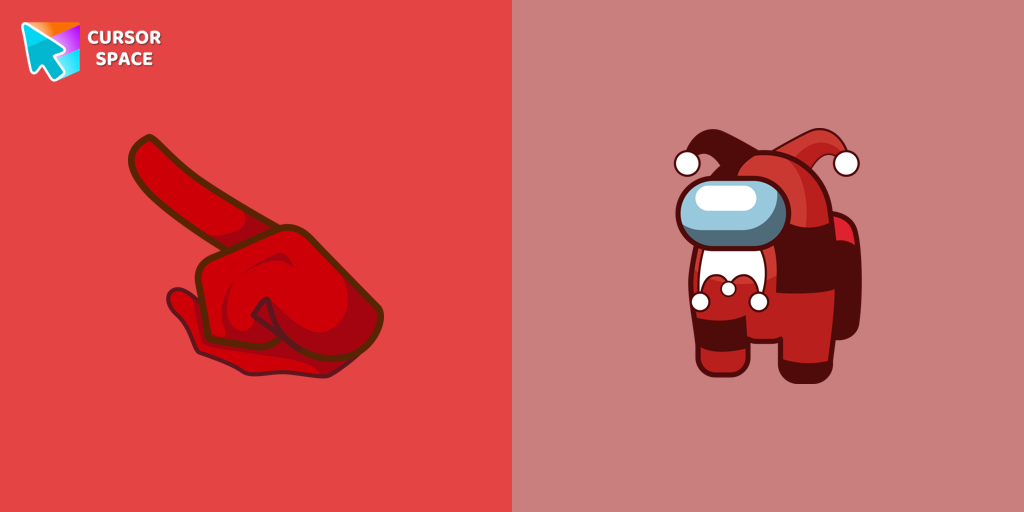 Among Us Jester Character cursorThis cursor has been added to the game as part of the recent update and has quickly gained popularity among fans.
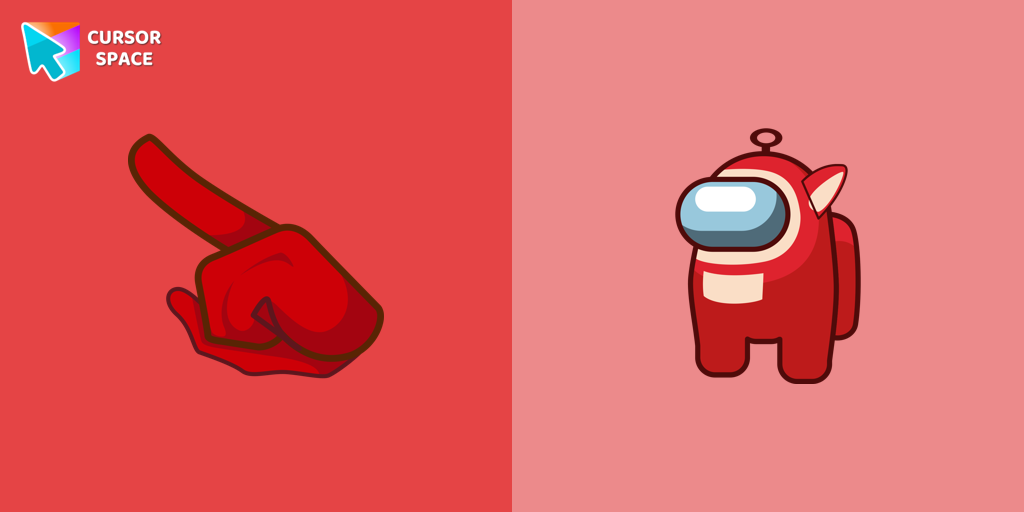 Among Us Teletubbies Character cursorAdd excitement to your Among Us game with a custom cursor featuring mini Teletubbies characters. Try the custom cursor for Google Chrome today!
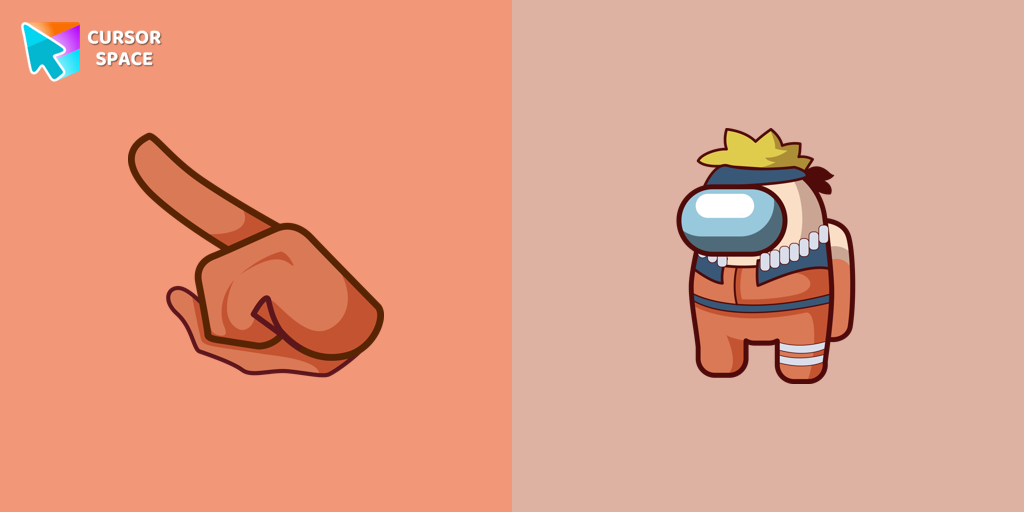 Among Us Naruto Character cursorUpgrade your browsing with a custom cursor for Google Chrome. Experience the unique Among Us Naruto character cursor, blending Naruto with Among Us for a fun, engaging experience.
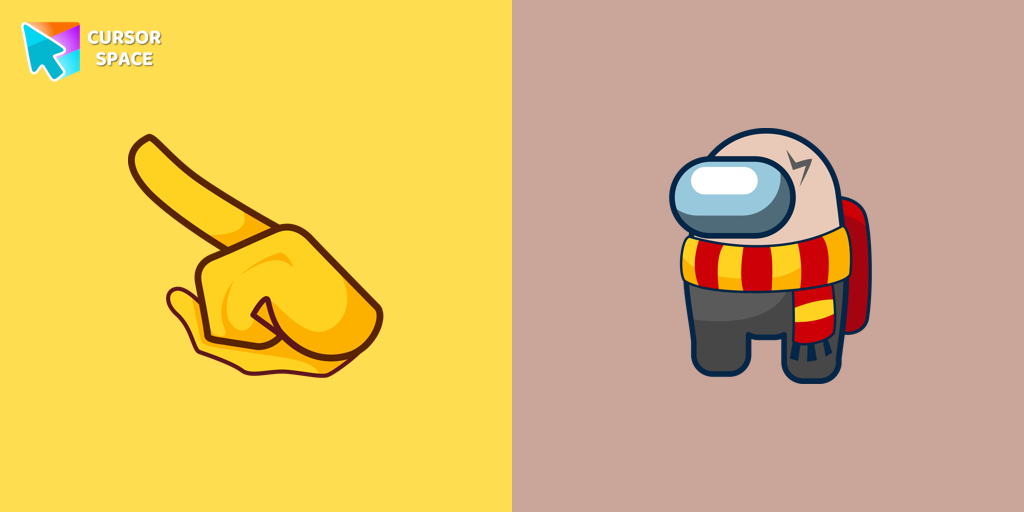 Among Us Harry Potter Character cursorThe Among Us Harry Potter character cursor adds a fun and unique touch to the game.
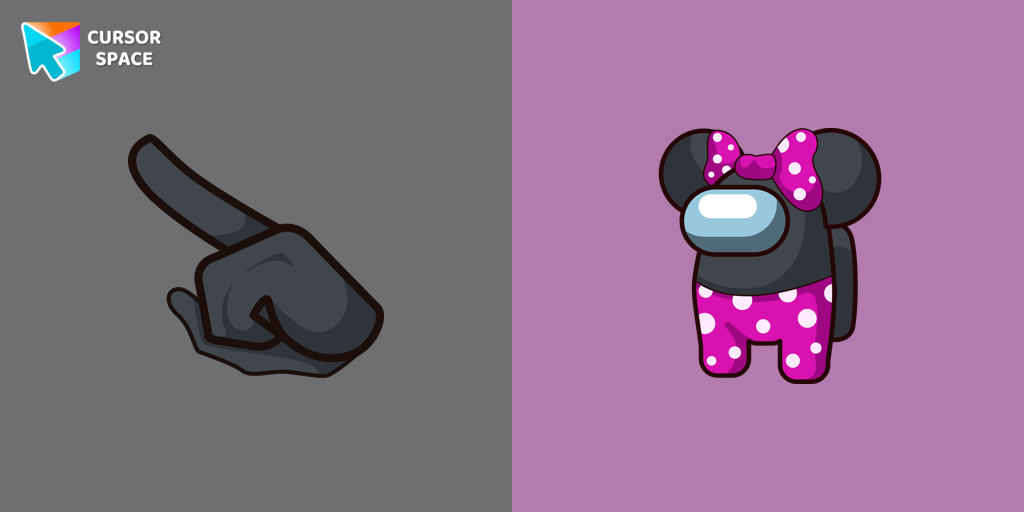 Among Us Minnie Mouse Character cursorAmong Us Minnie Mouse Character Cursor: A Perfect Blend of Cuteness and Intrigue
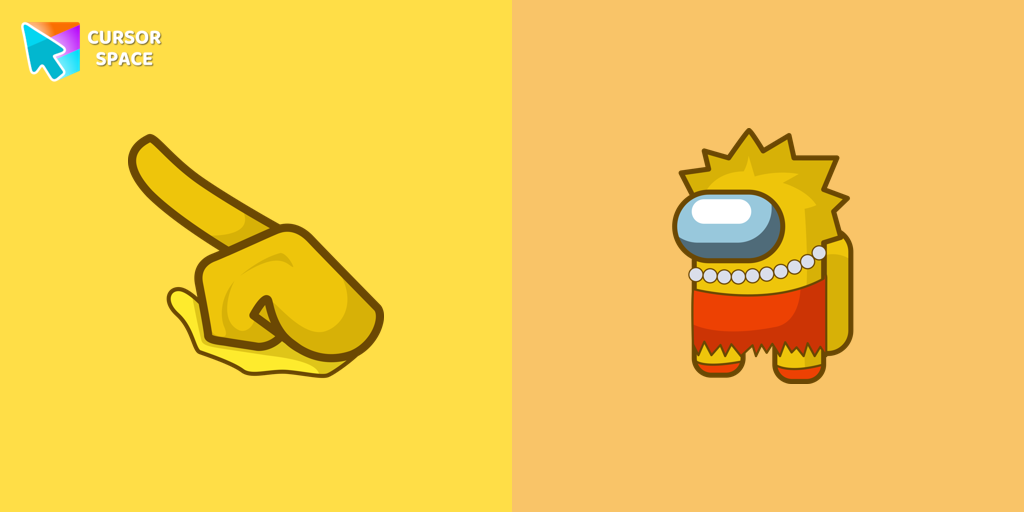 Among Us Lisa Simpson Character cursorAmong Us Lisa Simpson Character Cursor - Navigating the Game with Intelligence and Wit
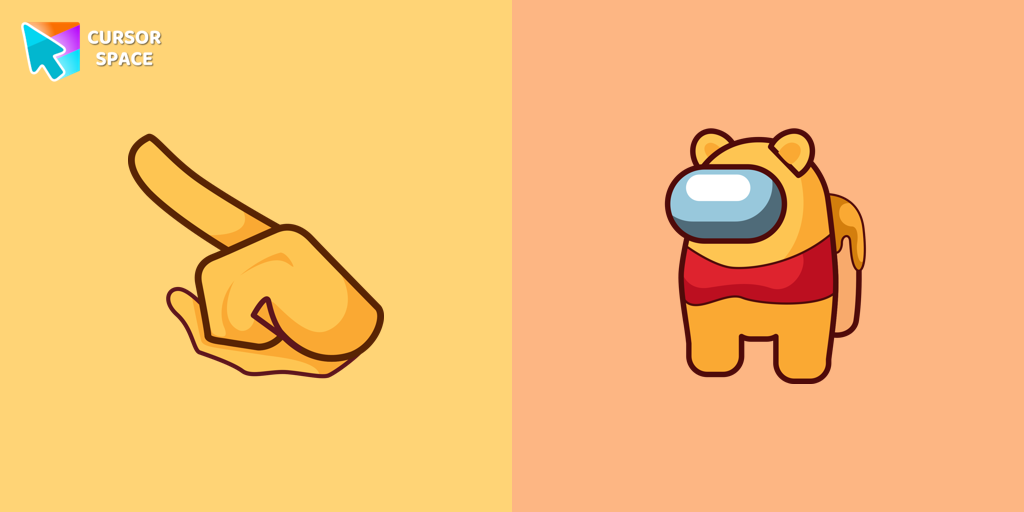 Among Us Winnie-the-Pooh Character cursorAmong Us Winnie-the-Pooh Character Cursor - A Whimsical Journey in the World of Sweetness and Friendship
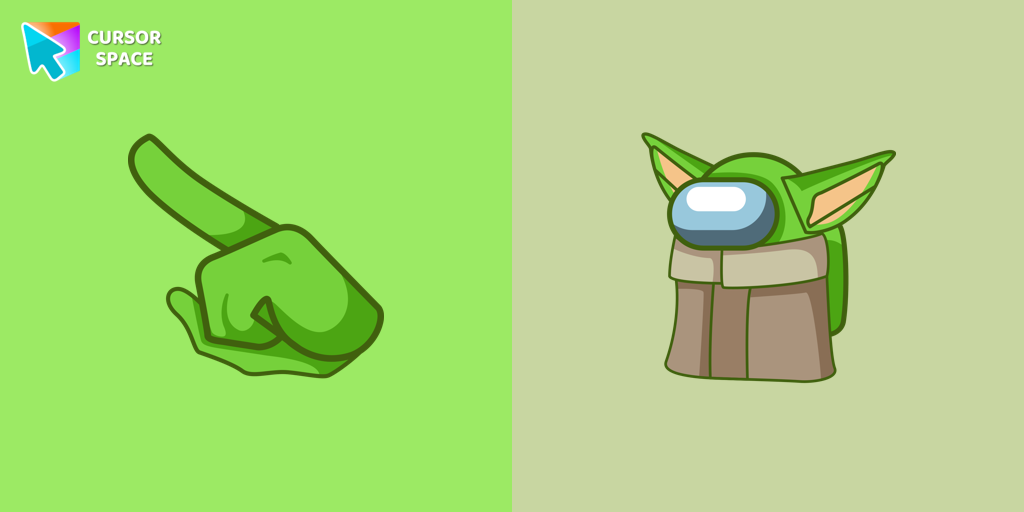 Among Us Baby Yoda Character cursorAmong Us Baby Yoda Character Cursor - Unleashing the Cuteness and Mischief in Outer Space
Explore cursor packs by style
Cursor Space packs include curated cursor sets for everyday browsing: cute, minimal, anime, neon, pixel art, and more. Each pack comes with multiple cursor states (like default and pointer) and can be added to your browser in seconds.
Trending now
Fresh picks based on what people install most often.
Collections
Browse themed sets grouped by vibe and aesthetic.
Top charts
See weekly, monthly, and all-time leaders.
How to install a cursor pack
- Open any pack from the grid above.
- Click the install / add button on the pack page.
- If you don’t have it yet, install the Cursor Space browser extension.
- Apply the pack in the extension and enjoy your new cursor.
FAQ
Quick answers to common questions about cursor packs, collections, and installation.
Are cursor packs free on Cursor Space?
Most cursor packs on Cursor Space are free to browse and install. Some packs may be marked premium depending on licensing. The Cursor Space browser extension is free to install from the Chrome Web Store.
Do cursor packs work on Chrome and Edge?
Yes. Install the Cursor Space extension for Chromium-based browsers (Chrome, Edge, Brave), open a pack page, and click install/apply. The extension applies the cursor set across your browser.
How do I install a custom cursor pack?
Open the pack page, click the install or add button, install the Cursor Space extension if prompted, then apply the pack from the extension popup. Your new cursor appears immediately.
Can I change or remove a custom cursor later?
Yes. Open the Cursor Space extension, choose another pack, or restore the default system cursor from the extension settings.
Is the Cursor Space extension safe?
Cursor Space is distributed via the Chrome Web Store and Edge Add-ons. Keep the extension updated, and only install packs from trusted catalog pages on this site.